TP-Link Deco BE63 vs X68: should you actually upgrade?
Three weeks side-by-side with the BE63 and the X68 on the same house, same wiring. Where Wi-Fi 7 actually matters and where it doesn't.
Some links in this post are affiliate links. I get a small commission at no extra cost to you if you buy through them. I bought everything reviewed here at retail — nothing on this page is on loan.
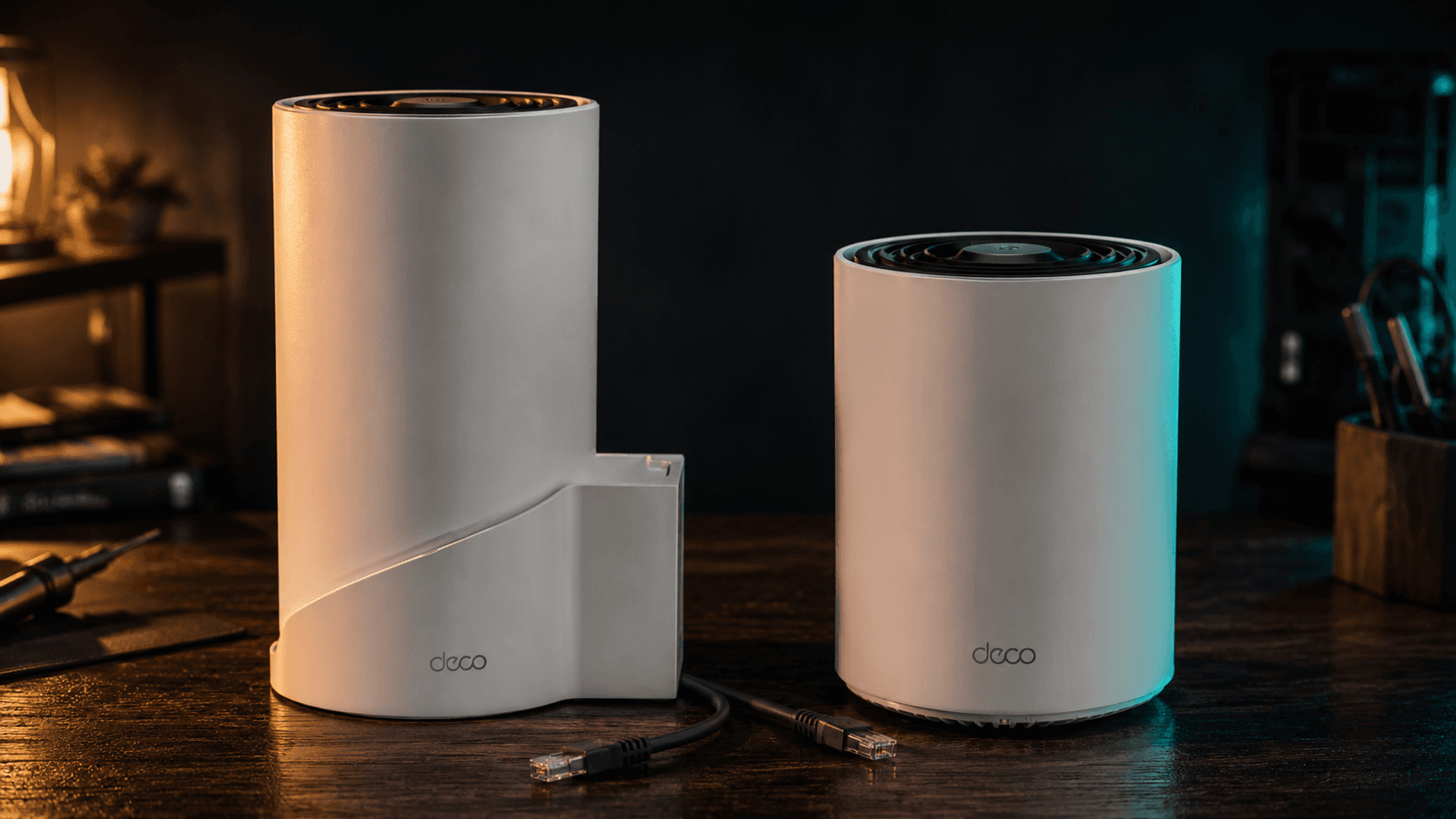
Three weeks ago I unboxed both of these on the same day. Same house, same wiring, same devices. The Deco X68 had been my daily driver for almost two years, and the BE63 is the obvious successor on paper: Wi-Fi 7, a 2.5 Gbps WAN port, and a third radio in the 6 GHz band. The question I wanted to answer is the one TP-Link's marketing won't: is this actually worth the upgrade if your X68 still works?
Some links in this post are affiliate links. I get a small commission at no extra cost to you if you buy through them. I bought both kits at retail. No company gave me a unit for review.
The setup
Both Deco X68 and BE63 mesh kits got the same treatment. Three nodes per kit, wired backhaul over Cat6a, identical placement in the foyer, office, and primary bedroom. The ISP gateway is in bridge mode feeding a 2.5 Gbps line. Devices on the network range from a wired 10G workstation down to a handful of Wi-Fi 4 smart bulbs that, frankly, deserve to be on their own SSID.
The test methodology is boring on purpose. I ran iperf3 between the wired desktop and three different client devices: a Wi-Fi 7 laptop (Intel BE200), a Wi-Fi 6E phone (Pixel 8 Pro), and a five-year-old Wi-Fi 5 tablet (the cheapest Fire HD lying around). Each test was a five-minute run repeated three times on each kit, at 8 feet from the office node with line-of-sight, then again at 40 feet through two interior walls. I also walked a phone from the office to the kitchen during a video call to see how each kit handed the client off between nodes.
Three weeks isn't long enough to catch every firmware quirk, but it's long enough to catch the ones that matter.
Throughput, honestly measured
The Wi-Fi 7 laptop was where the BE63 earned its keep. On the 6 GHz band with a clear path to a node, I measured a sustained 1.8 Gbps over the air. That number is real, it held across all three test runs, and it's the kind of figure that justifies the upgrade if you actually move files around the LAN. The X68 on the 5 GHz band topped out at 920 Mbps in the same spot, which is great but not the same league.
The Pixel 8 Pro on 6 GHz hit 1.4 Gbps on the BE63 versus 880 Mbps on the X68's 5 GHz. The gap is real and you can feel it on a 4K Drive sync, but the X68 wasn't slow. It was just outclassed at the top end.
The interesting test was the Wi-Fi 5 tablet. On both routers it tops out at 380 Mbps and refuses to go higher. The BE63 did not make my old gear any faster, which is exactly what you'd expect once you remember that Wi-Fi is half negotiation, half radio. If most of your house is on Wi-Fi 5 and Wi-Fi 6 clients, you are paying for ceiling you can't reach.
Where the BE63 actually pulls ahead
The 6 GHz radio is a dedicated lane that nothing else in the neighborhood is using yet. In an apartment building or a dense suburb, that matters more than the raw spec sheet implies. The X68's 5 GHz band is competing with seventeen neighbors' routers on overlapping channels. The BE63's 6 GHz radio is competing with maybe one or two early adopters and a lot of dead air.
The 2.5 Gbps WAN port is the second real upgrade. If your ISP plan is over 1 Gbps, the X68 caps you at gigabit no matter what. I'm on a 2 Gbps fiber plan, and the X68 was leaving 800 Mbps of paid-for bandwidth on the floor every day. The BE63 actually delivers what the line provides.
The third upgrade is MLO (Multi-Link Operation), the Wi-Fi 7 feature that lets a client aggregate two bands simultaneously. In practice, on the laptop with a BE200 card, MLO smoothed out the saw-tooth pattern I'd see on the X68 during heavy mixed traffic. Less peak number, more consistent floor. That's the one you feel without measuring.
Roaming behavior
This is where mesh kits earn or lose their keep. I walked the Pixel from the office to the kitchen (about 40 feet, through two walls and a hallway) while a video call was running. The X68 dropped the phone onto the closer node about three seconds after I sat down at the kitchen counter. The BE63 had me handed off before I'd finished walking. Subjectively, that's the difference between "mesh works" and "mesh feels invisible."
I tried the same walk in reverse five times. The BE63 was consistently early; the X68 was consistently late. Not catastrophically late. The call never dropped on either kit. Just a few seconds of degraded audio while the X68 made up its mind. If you do a lot of moving around the house on calls, this alone is the upgrade.
Get the weekly brief in your inbox.
One Sunday email. What I tested, what’s next, one link worth your time.
What the BE63 doesn't fix
A few things didn't change between the kits, and they're worth saying out loud before you spend the money.
The app is identical. If you found the X68's app frustrating, the BE63's app will frustrate you the same way. TP-Link did not rewrite Deco; they updated the radios.
The smart-bulb negotiation is no better. Cheap IoT devices still take a beat to associate, still occasionally need a power-cycle, and still benefit more from a separate 2.4 GHz SSID than from anything Wi-Fi 7 brings to the table.
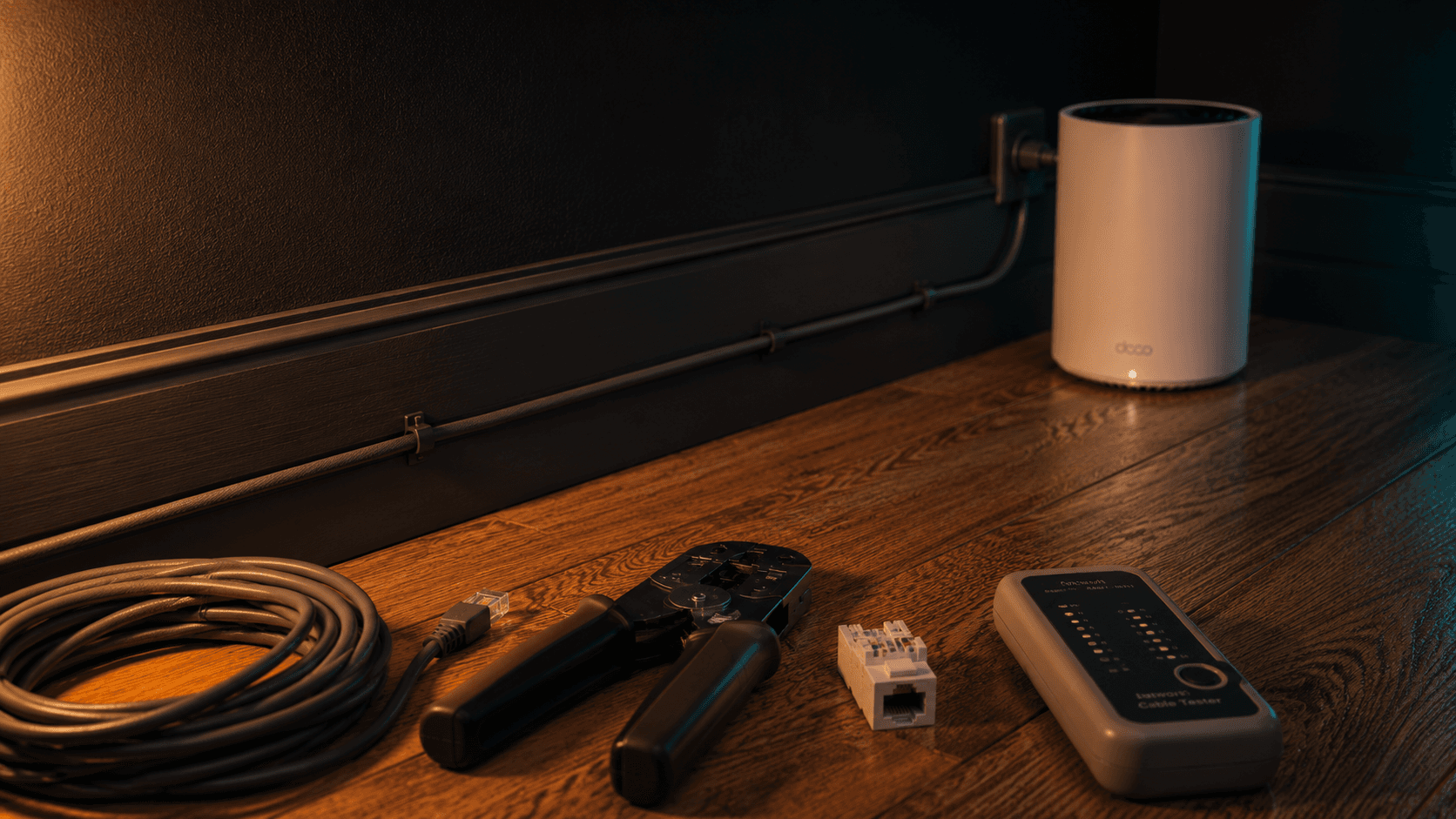
The wired throughput between nodes is the same on both kits: 2.5 Gbps LAN ports on the BE63 and 1 Gbps on the X68. But in a wired-backhaul setup, that ceiling rarely matters for residential traffic. I covered the actual wired backhaul setup in my wired backhaul guide if you're starting from a wireless-only mesh.
Range is broadly the same. Wi-Fi 7 isn't a longer-range standard. If a node couldn't cover a back bedroom on the X68, the BE63 won't either; you just need more nodes either way.
The honest BE63 vs X68 verdict
If you already own an X68 and don't have Wi-Fi 7 clients yet, keep it. You will not get your money back from this upgrade in any way that matters day to day, and the X68 is going to keep getting firmware support for at least another two years.
If you're on a Wi-Fi 6E client today and pay for over 1 Gbps internet, the math flips. The 2.5 Gbps WAN port alone is the upgrade, and the 6 GHz radio handles your fastest device better than any 5 GHz can.
If you're buying mesh for the first time in 2026, or your existing kit is older than the X68, the BE63 is the easiest recommendation I can make. It's the kit I'd put in a house I was setting up from scratch tomorrow. The X68 still works, but I wouldn't tell someone to buy one new at this point in the cycle.
I covered the original X68 setup process in detail on the channel. It's still my most-watched networking video and most of what's there applies to the BE63 install too. The full BE63 walk-through goes up next week.
Quick spec comparison
| Spec | Deco X68 | Deco BE63 |
|---|---|---|
| Wi-Fi standard | Wi-Fi 6 (AX5400) | Wi-Fi 7 (BE10000) |
| Bands | Dual-band | Tri-band incl. 6 GHz |
| WAN port | 1 Gbps | 2.5 Gbps |
| LAN ports | 1 Gbps | 2.5 Gbps |
| Backhaul | Wired or wireless | Wired or wireless |
| 3-pack price | $280 | $450 |
I'll keep this network running for another month and report back if anything surfaces: firmware quirks, mesh weirdness, anything that doesn't show up in a three-week test. Subscribe below to get those notes in the weekly brief.